Sytex Help Center
Blog Log in Request a Demo
EnglishEspañolPortuguês
All sections
Communications
Incident of 10/20/2025
Sytex Updates 2024!
App
Sytex App 101📱Beta Sytex AppFirst Steps
Web App
Automations
Fallback actionsTime-based automationsRun from buttons (Actions)Connect to events (Triggers)Create and configure an automation
AccountingNew Forms App 3.0!
Technical Locations
Network Elements
NE´s Massive EditionNetwork Elements Step 1
Sites
View of tower equipment - EnglishSite DocumentsSite Access ManagementStarting with Sites!
Reports
Data TemplatesData connectionsData Origin - Web LinkFavourite Filters
Tasks
NotificationsReference DocumentRequired documentsStoppersFile type documents¿ How to act on a Task ?Create TasksFirst Steps into Tasks
Materiales
Materials with MAC AddressMaterials on Sytex DesktopMaterial Code ReaderGetting to Know Materials
WorkFlows
Creation Rules and Conditionals in WorkflowsMilestonesWorkFlow TemplatesFirst Steps into WorkFlows
Users
Tracking UsersInactivate UsersCreate UsersAssignments and assignersRoles
Forms
Export Form in Excel templateNotificationsFormula at formsRepetitive Questions and GroupsForms SearchForms TemplatesApprove or reject formsFirst Steps into Forms
Get Started with WebApp
LanguagesFirst Steps
Projects
Getting to know Projects
General Config
Data Model Flexible States
Get Started
Forgot my PasswordSupportYour Account
Help CenterWeb AppUsers
Back to Help Center

Users

Note
These articles are intended for you to understand how forms work and are managed in Sytex in the fewest possible lines.
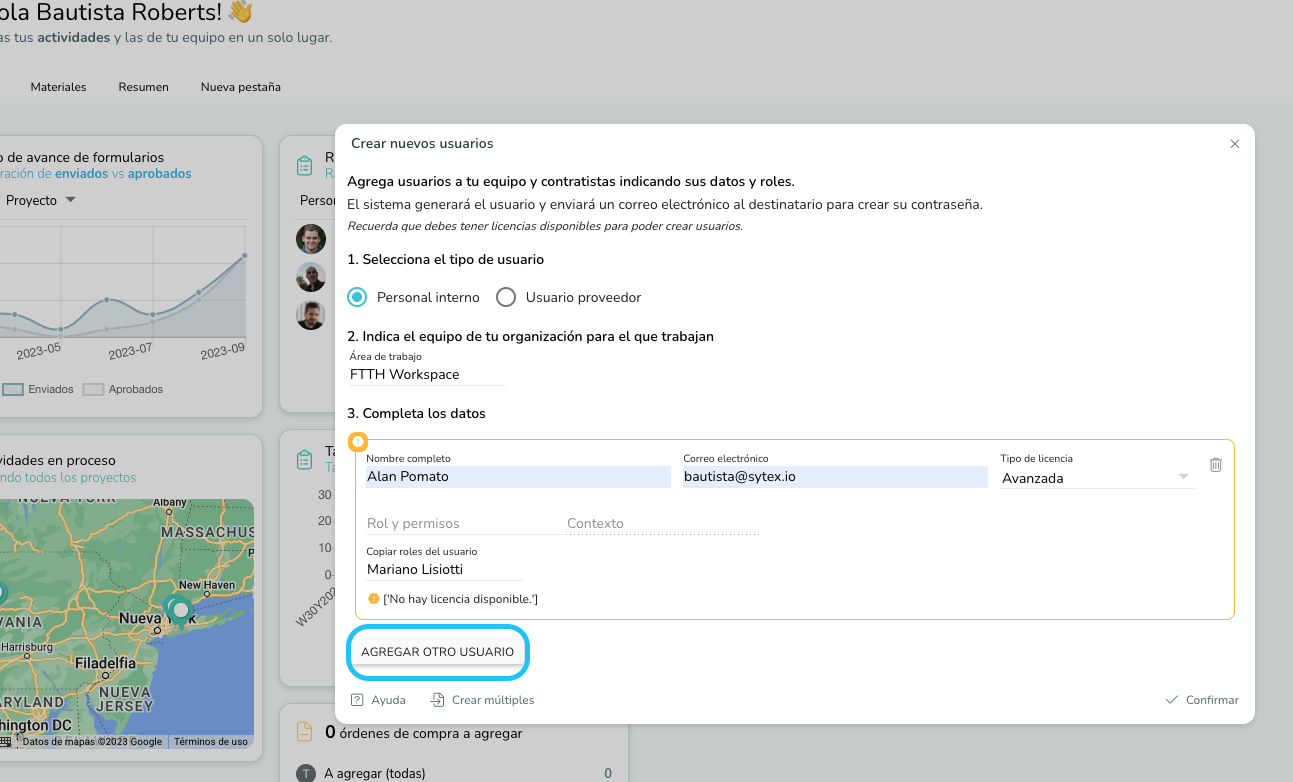
Create Users

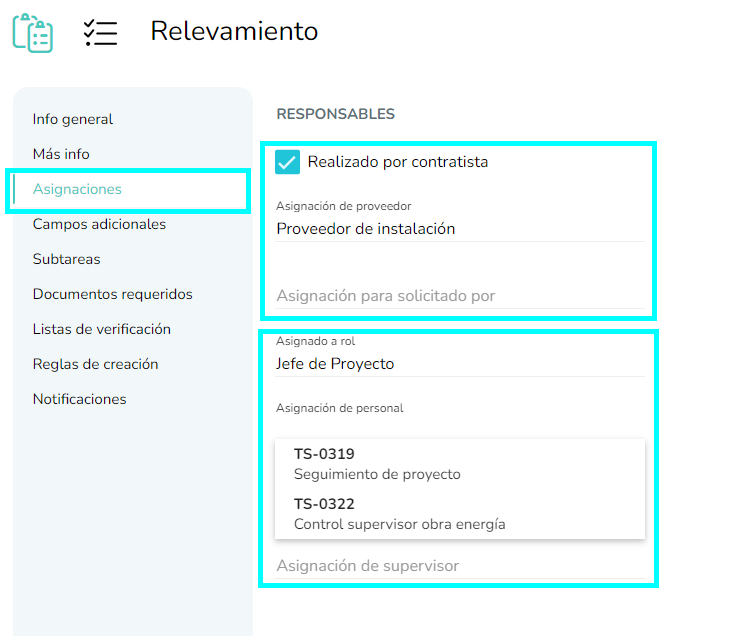
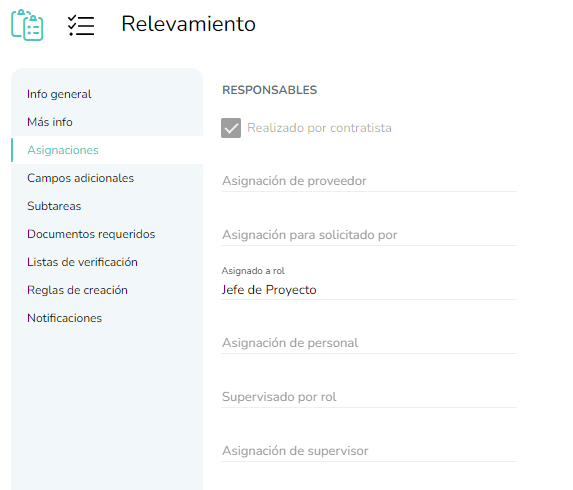
Assignments and assigners

Roles

Tracking Users

Inactivate Users

Explore this section
Tracking Users
Tracking Users
I
Inactivate Users
Create Users
Create Users
Assignments and assigners
Roles
Roles
Related pages
AutomationsAccountingNew Forms App 3.0!Technical Locations ReportsTasksMaterialesWorkFlowsUsersFormsGet Started with WebAppProjectsGeneral Config